
01
Save hours every week
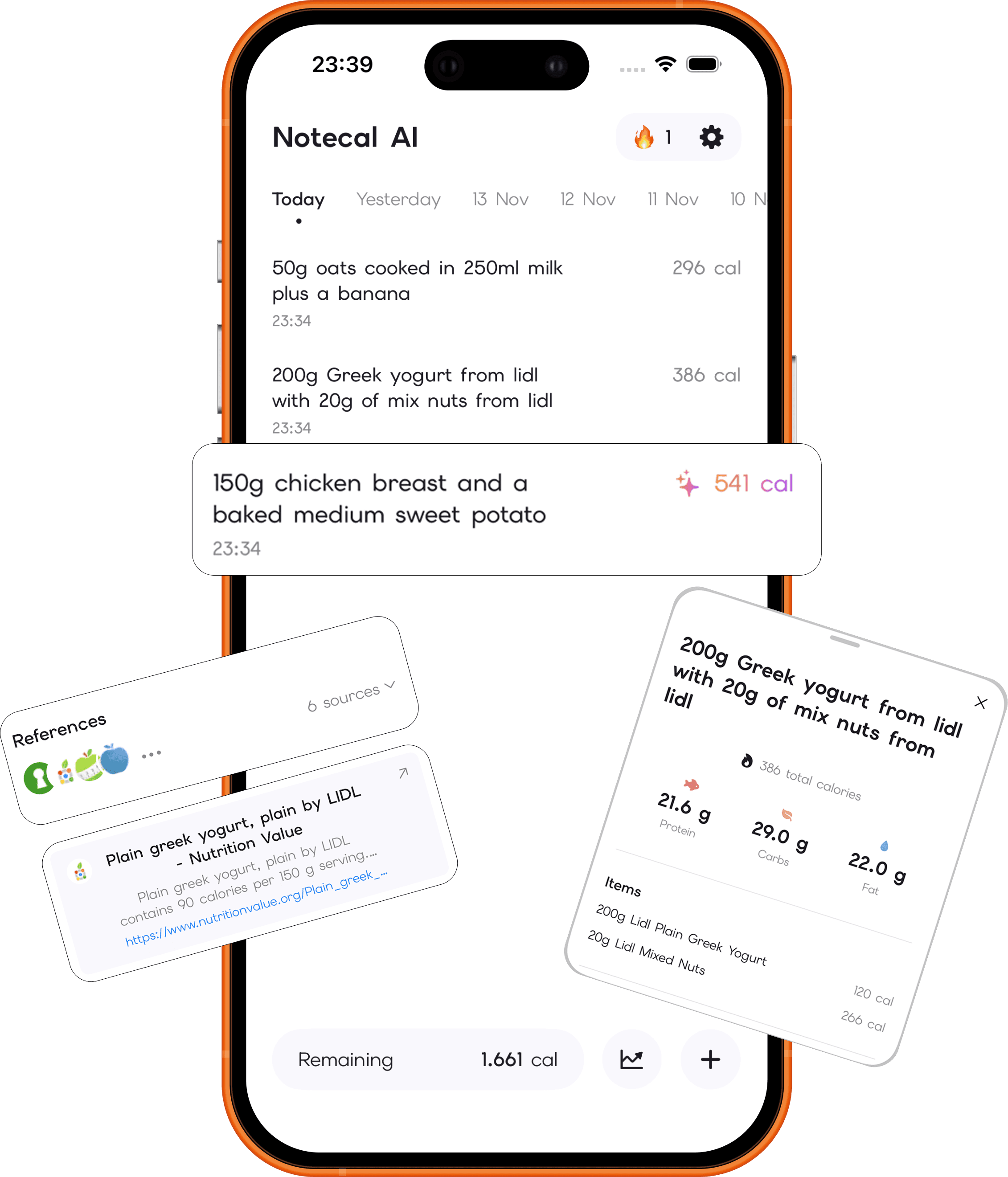
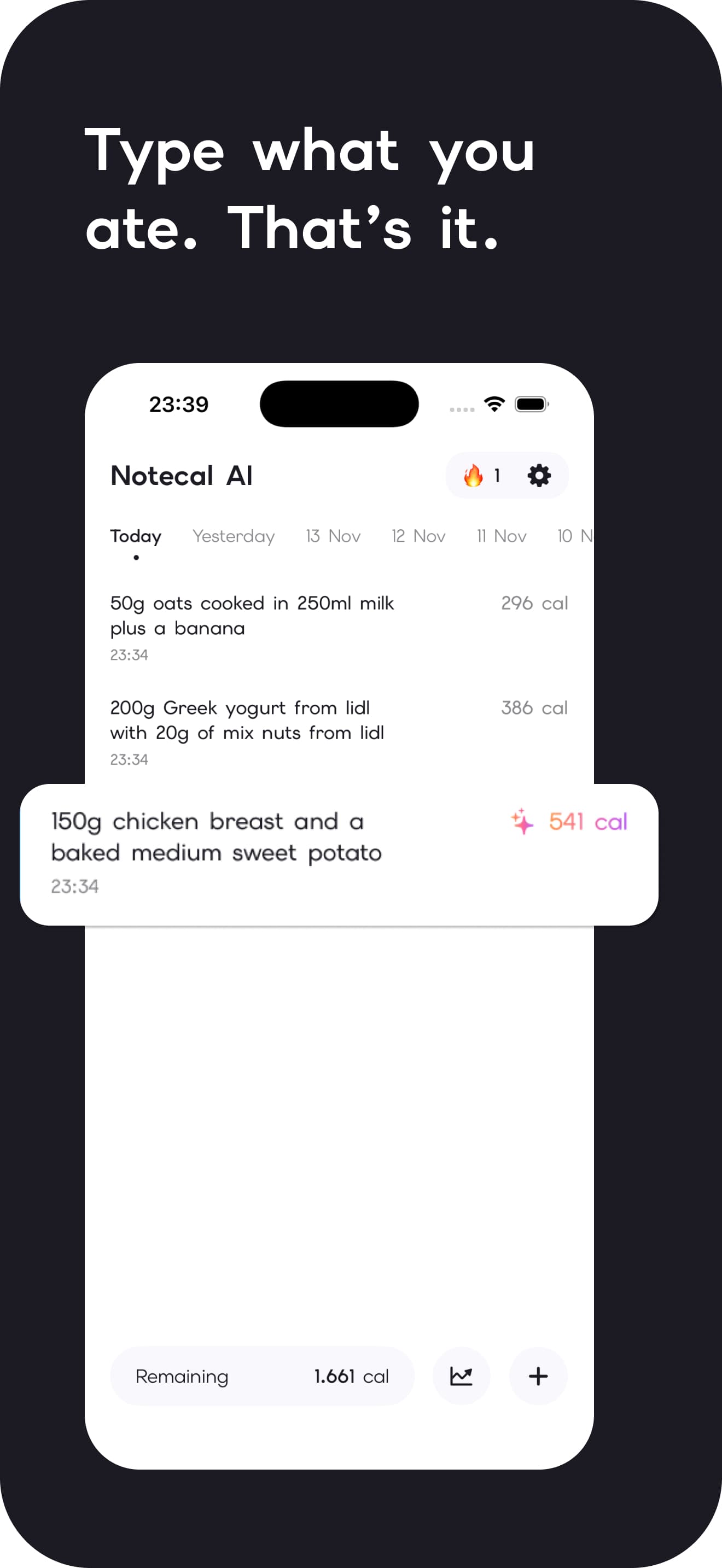
Type what you ate in natural language and let NoteCal break it down. No barcode hunting, no messy database searches.
Type what you ate in plain English. NoteCal AI turns your note into accurate calories and macros, backed by nutrition sources you can actually trust.
The NoteCal approach
NoteCal keeps the routine light, then gives you the detail when you want to understand what is on your plate.
Why people stick with it
Enough structure to make progress. Enough flexibility to keep using it after Monday.
01
Type what you ate in natural language and let NoteCal break it down. No barcode hunting, no messy database searches.
02
Sync dietary calories and macros to Apple Health, then let your active burn shape the budget you see for the day.
03
NoteCal cross-references USDA FoodData Central and verified packaging, with sources for every calculation.
Start with one note
Download NoteCal AI and turn everyday meals into a clear, useful picture of your progress.
Good to know
The questions our support team hears most.
Annoying, but totally fixable. Here's what to do:
Tip: Switched phones or Apple IDs? That's usually the culprit. Restore Purchase on the new device and you're golden.
You can't cancel from inside the app. It goes through your phone's settings. Here's how:
iPhone: Settings → tap your name → Subscriptions → NoteCal AI → Cancel Subscription.
Refunds are handled directly by Apple:
Go to reportaproblem.apple.com, sign in with your Apple ID, find your NoteCal subscription, and request a refund. Apple typically processes these within 48 hours.
NoteCal AI uses verified databases (including USDA FoodData Central and official manufacturer nutrition sheets) and displays clickable source citations for every calculation.
You can specify exact grams or common measurements (e.g., “a palm-sized chicken breast” or “a bowl of greek yogurt with a handful of walnuts”), and the AI accurately parses ingredients, cooking styles, and macros.
Try these steps:
This resolves the issue in most cases. If it's still crashing after that, share your iOS version and device model with support@notecal.app so we can patch it immediately.
Open your iPhone's Settings → Health → Data Access & Devices → NoteCal AI, and make sure “Active Energy” and “Dietary Energy” permissions are turned ON. Once enabled, entries sync seamlessly.